
OFFLINE MODE
Works without internet
- on construction sites;
- in basements;
- at remote locations;
- outside the city;
- in areas with poor reception.
- photos are stored locally;
- documents remain accessible;
- no data loss;
- synchronization happens later.
FIELD INSPECTIONS
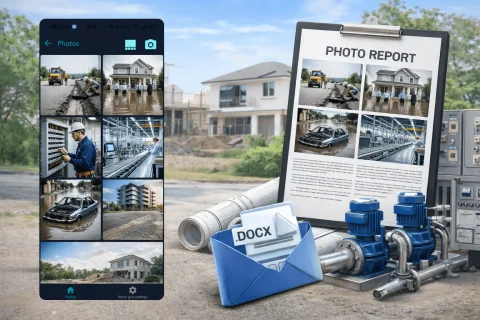
INSPECTOR helps you perform field inspections, capture photo documentation, and generate DOCX photo reports right on site. The app saves GPS coordinates, capture time, address, and photo context.

OFFLINE MODE
WEB VERSION
USE CASES
The mobile app combined with photo reports streamlines field photography and reporting across various sites and industries.
Workflow
Systematize your workflows for higher quality and speed
Before the inspection, create a photo report and specify:
Take photos with the built-in INSPECTOR camera during the inspection. The app can:
After capture you can:
Once the field inspection is complete, INSPECTOR lets you:
EVIDENCE CONTEXT
INSPECTOR helps you capture an evidential context during inspections. For each photo the following can be recorded:
Capture context recording processCoordinates are fixed at the moment of capture and stored with the photo in the report structure.
The address is determined from GPS via reverse geocoding, helping quickly identify the inspection site.
The timestamp helps reconstruct the sequence of actions and verify the moment of inspection.
The app saves GPS accuracy to help assess location reliability.
INSPECTOR records the device used for photo capture.
The mobile app version helps account for data capture specifics across INSPECTOR releases.
Context links the photo with the inspection process, time, place, and user actions.
IF YOU DON'T USE
FAQ
Yes. INSPECTOR supports offline mode. Photos and documents are saved locally and synced later.
Yes. The app can automatically add GPS coordinates, address, and capture time.
Yes. INSPECTOR supports sending photo reports in DOCX format.
Yes. INSPECTOR works for construction oversight, defect photos, and as-built documentation.
Yes. It is used for damage recording and insurance claim inspections.
Yes. INSPECTOR supports captions, annotations, and voice input for descriptions.
Yes. After syncing, reports are available at Photo-reports.online.
Download the inspection and photo documentation app, create your first photo report, and test the workflow on a real site.