How to Create a Photo Report: Step-by-Step Instructions and Guides
This page collects instructions that help you create a photo report online, add photos, edit images, organize the structure, and generate the final document. The guides cover the entire process—from uploading photos to exporting the report to Word and sharing it with a client.

Andrey Apanasenko
Founder and developer of Photo Reports
How to Create a Photo Report
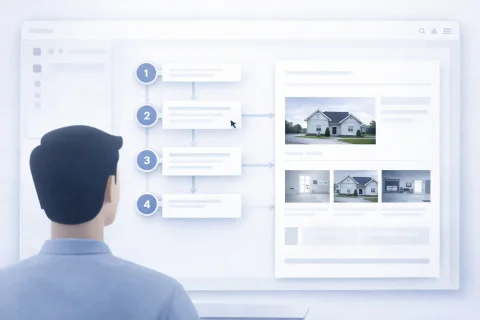
Creating a photo report is a basic process that includes uploading images, configuring the structure, and generating the document.
Try the service
How to Add and Process Photos
Working with images is a key step in preparing a photo report. Here you can upload photos, edit them, and build a logical structure.
How to Format a Photo Report
Formatting includes adding captions, comments, and preparing the document for delivery.
How to Download and Send a Photo Report
After preparing the data, you can generate the final document and share it with the client.
Typical Usage Scenarios
The guides help solve practical tasks that arise when working with photo reports:
- preparing inspection reports
- recording completed work
- documenting object conditions
- preparing materials for clients
- maintaining photo documentation
Where to Start Creating a Photo Report
If you are just starting:
- begin with creating a photo report
- proceed to adding photos
Popular Tasks When Creating Photo Reports
Below are common tasks that users encounter:
- how to create a photo report online
- how to create a report with photos
- how to format a photo report for a client
- how to create a photo report in Word
- how to send a photo report to a client
- how to structure photos in a report
Related Sections
For a deeper understanding of the service's capabilities:
This helps connect the instructions with real-world tasks and use the service more effectively.