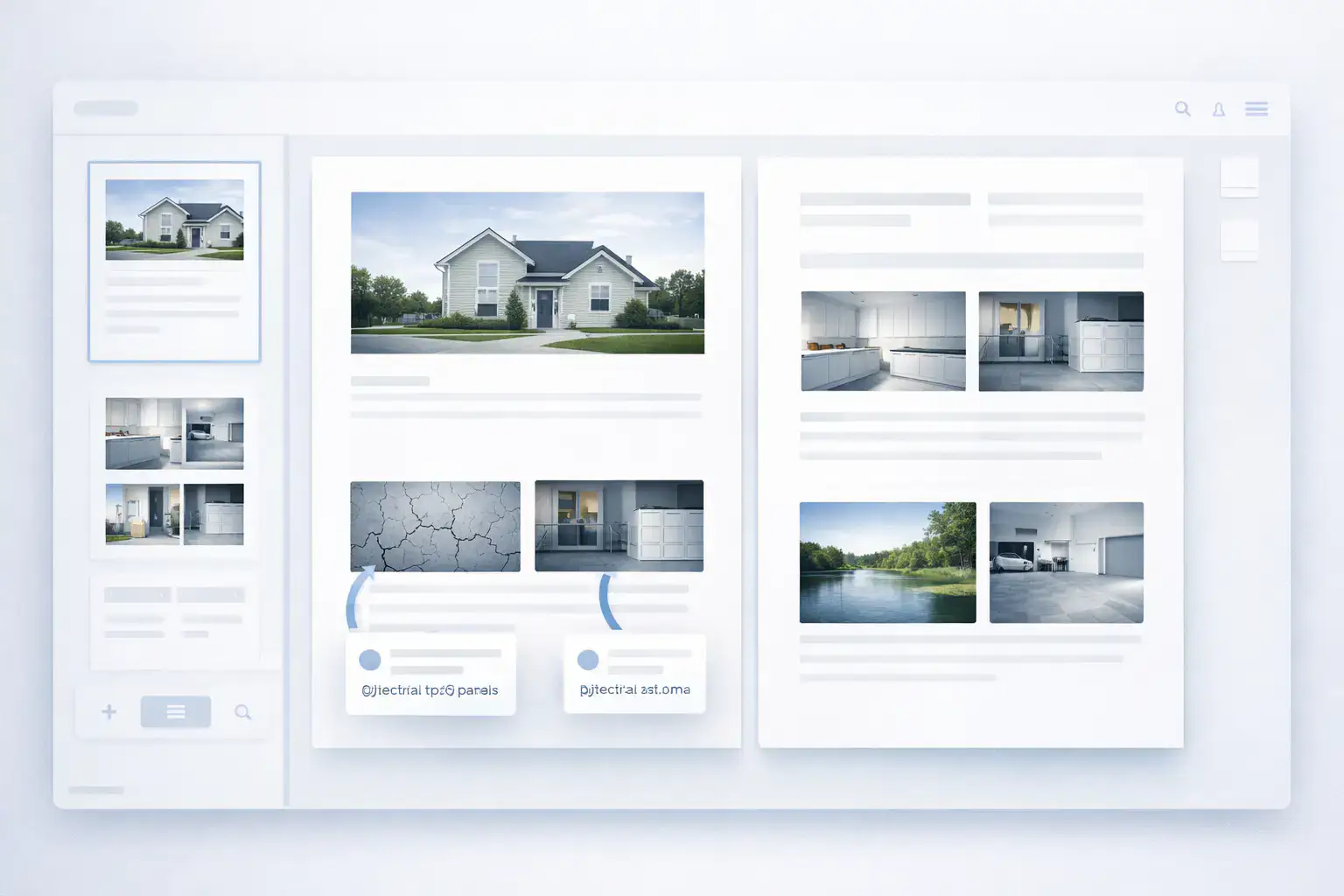
Generate a Photo Report in Word (DOCX)

Formirovanie photo report — this step preobrazovaniya podgotovlennykh photos in finished document. V rezultate polzovatel poluchaet strukturirovannyy file DOCX with imagesand, podpisyami and oformleniem. Feature is used for preparing photo documentation, reports completed work and peredachi materialov client or in arkhiv.

Generate a Photo Report in Word (DOCX)

What znachit generation photo report

Formirovanie photo report — this protsess generatsii document on osnove podgotovlennykh data:

  • zagruzhennykh photos;
  • structure and poryadka images;
  • podpisey and opisaniy;
  • vybrannogo layout.
Na etom etape photo sheet prevraschaetsya in finished document, prigodnyy for use in rabote.

Use these features in your workflow

If you’re not registered yet — open the tool and try these features while creating your first inspection report or photo documentation. If you already have an account — start building your reports in the dashboard.

Format vykhodnogo document

Summaryovyy file is formed in formate **DOCX**. Dokument you can otkryt in:

  • Microsoft Word
  • LibreOffice
  • Google Docs

Why It Matters

Format DOCX:
  • sootvetstvuet standartam delovoy documentation;
  • podkhodit for peredachi clientm and podryadchikam;
  • dopuskaet dalneyshee editing when neobkhodimosti.

Struktura photo report

Pri formirovanii document structure sozdaetsya automatically. V final photo report vkhodyat:

  • pages document;
  • tablitsy with photos (photo sheet);
  • images;
  • captions to photo;
  • numeratsiya;
  • zagolovki (if zadany).

How to is formed structure

Struktura zavisit from:
  • vybrannogo layout;
  • number of photos;
  • parametrov razmescheniya.
Service automatically raspredelyaet images by stranitsam and formiruet tablitsy.

Why It Matters

Avtomaticheskoe oformlenie:
  • isklyuchaet ruchnuyu verstku in Word;
  • reduces veroyatnost oshibok;
  • ensures consistent standart photo documentation.

Using templateov and maketov

Formirovanie document osnovano on vybrannom makete photo report. Maket opredelyaet:

  • raspolozhenie photos;
  • strukturu tablitsy;
  • vneshniy vid pages.

Varianty razmescheniya photos

V zavisimosti from layout:
  • images razmeschayutsya in tablitse (klassicheskaya photo sheet);
  • structure pages is formed automatically with uchetom vybrannykh parametrov.

Why It Matters

Shablony allow:
  • standartizirovat oformlenie reports;
  • adaptirovat document pod trebovaniya client;
  • uskorit preparation povtoryayuschikhsya photo reports.

Nastroyki document

Pered creationm photo report zadayutsya parametry, vliyayuschie on final file:

  • orientatsiya pages (portrait or landscape);
  • number photos on the page;
  • structure razmescheniya images;
  • parametry oformleniya.

Why It Matters

Nastroyki allow:
  • uchityvat trebovaniya konkretnogo proekta;
  • korrektno otobrazhat bolshoe number images;
  • soblyudat vnutrennie standarty kompanii.

How to is formed document

Protsess creating photo report vklyuchaet:

  1. Zagruzku photos.
  2. Editing and sortirovku.
  3. Dobavlenie podpisey to photos.
  4. Vybor layout and nastroyku structure.
  5. Formirovanie and skachivanie document.
Posle etogo sistema generiruet DOCX file, finished to ispolzovaniyu.

What vkhodit in final file

Sformirovannyy photo report soderzhit:

  • vse dobavlennye images;
  • captions and descriptions photos;
  • numeratsiyu;
  • strukturu pages;
  • oformlenie in sootvetstvii with maketom.

What ne trebuetsya delat vruchnuyu

Polzovatelyu ne trebuetsya:
  • perenosit photos in Word;
  • sozdavat tablitsy;
  • vyravnivat images;
  • oformlyat captions vruchnuyu.
Vse deystviya vypolnyayutsya automatically.

Otpravka photo report on email

Dopolnitelno available sending photo report on email, privyazannyy to podtverzhdennoy uchetnoy zapisi user. Otchet is sent in vide arkhiva, kotoryy soderzhit:

  • images, ispolzuemye in photo report (in formate WEBP);
  • file detalizatsii photo report in formate DOCX.

Detalizatsiya photo report

V arkhive is formed otdelnyy document with tablitsey, soderzhaschey informatsiyu by vsem photo. Tablitsa vklyuchaet 3 stolbtsa:
  • Nomer photos
  • Description photos / kontekst semki
  • Filename (imya file images)

Kontekst semki

Pri ispolzovanii mobile app INSPECTOR photo report dopolnyaetsya kontekstnymi dannymi semki. This lets you:
  • fiksirovat dopolnitelnye parametry;
  • povyshat dostovernost photo documentation;
  • use reports in inspektsiyakh and expert assessment.
«Kontekst semki» zapolnyaetsya automatically, if photos byli sdelany cherez mobile app INSPECTOR with vklyuchennoy funktsiey sokhraneniya konteksta. V etom sluchae in detalizatsii budut prisutstvovat dopolnitelnye data:
  • usloviya semki;
  • parametry fiksatsii;
  • informatsiya, soprovozhdayuschaya image.

Why It Matters

Otpravka arkhiva with detalizatsiey lets you:
  • peredavat polnyy komplekt photosdata client;
  • use photo report how dokazatelnuyu bazu;
  • khranit strukturirovannuyu photo documentation vmeste with iskhodnymi faylami.

Where this is used

Integratsiya osobenno important for:
  • inspections assets;
  • stroitelnogo kontrolya;
  • insurance inspections;
  • tekhnicheskoy expert assessment.

Practical Applications

Sformirovannye photo reports are used for:

  • reports completed work;
  • stroitelnoy documentation;
  • inspections and audits;
  • insurance keysov;
  • expert assessment and obsledovaniy.

Why generation photo report — klyuchevoy step

Formirovanie document zavershaet rabotu with photos. Etot step lets you:

  • poluchit finished photo report in Word;
  • peredat result without dopolnitelnoy obrabotki;
  • obespechit consistent standart oformleniya;
  • use document in ofitsialnoy reportnosti.
V rezultate photo report stanovitsya polnotsennym rabochim documentom, a ne naborom images.

Related Guides

Eta feature is used across different workflows, gde trebuetsya photo capture and preparation reports.

Where It Is Used

Feature can byt ispolzovana for creating photo reports across different industries, onexample: