How to sdelat photo report onlayn?
Sozdayte document, dobavte photos, oformite strukturu and sformiruyte final file.
This page brings together practical guides that show how to create a online photo report, add photos, edit images, organize report structure, and generate the final document. These guides cover the entire workflow — from uploading photos to exporting a Word document and sending it to the client.
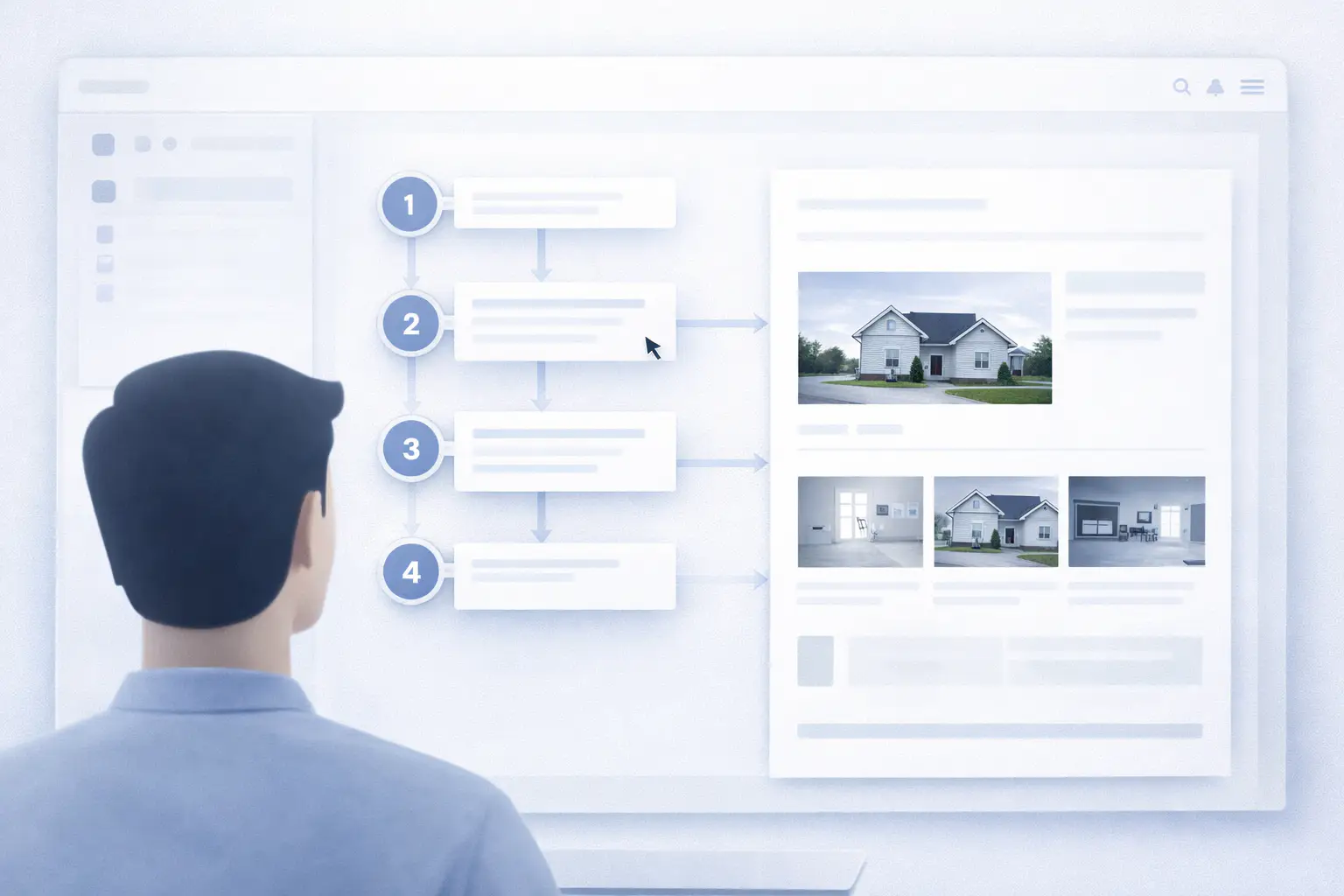
Sozdanie photo report — this bazovyy protsess, kotoryy vklyuchaet zagruzku images, nastroyku structure and generation document.
Create a report with photos online and follow the steps from the guide using your own images directly in the platform. Create a report as a guest or work from your dashboard if you’re registered.
Rabota with imagesand — klyuchevoy step preparing photo report. Zdes vy mozhete zagruzit photos, otredaktirovat ikh and vystroit logichnuyu strukturu.
Oformlenie vklyuchaet adding podpisey, comments and preparation document to peredache.
Posle preparing data you can generate final document and peredat ego client.
Rukovodstva help reshat prakticheskie zadachi, voznikayuschie when rabote with photo reports:
If vy only nachinaete:
Nizhe privedeny chastye zadachi, with kotorymi stalkivayutsya users:
Dlya bolee glubokogo ponimaniya vozmozhnostey service:
This pomozhet svyazat instruktsii with realnymi zadachami and use service bolee effektivno.