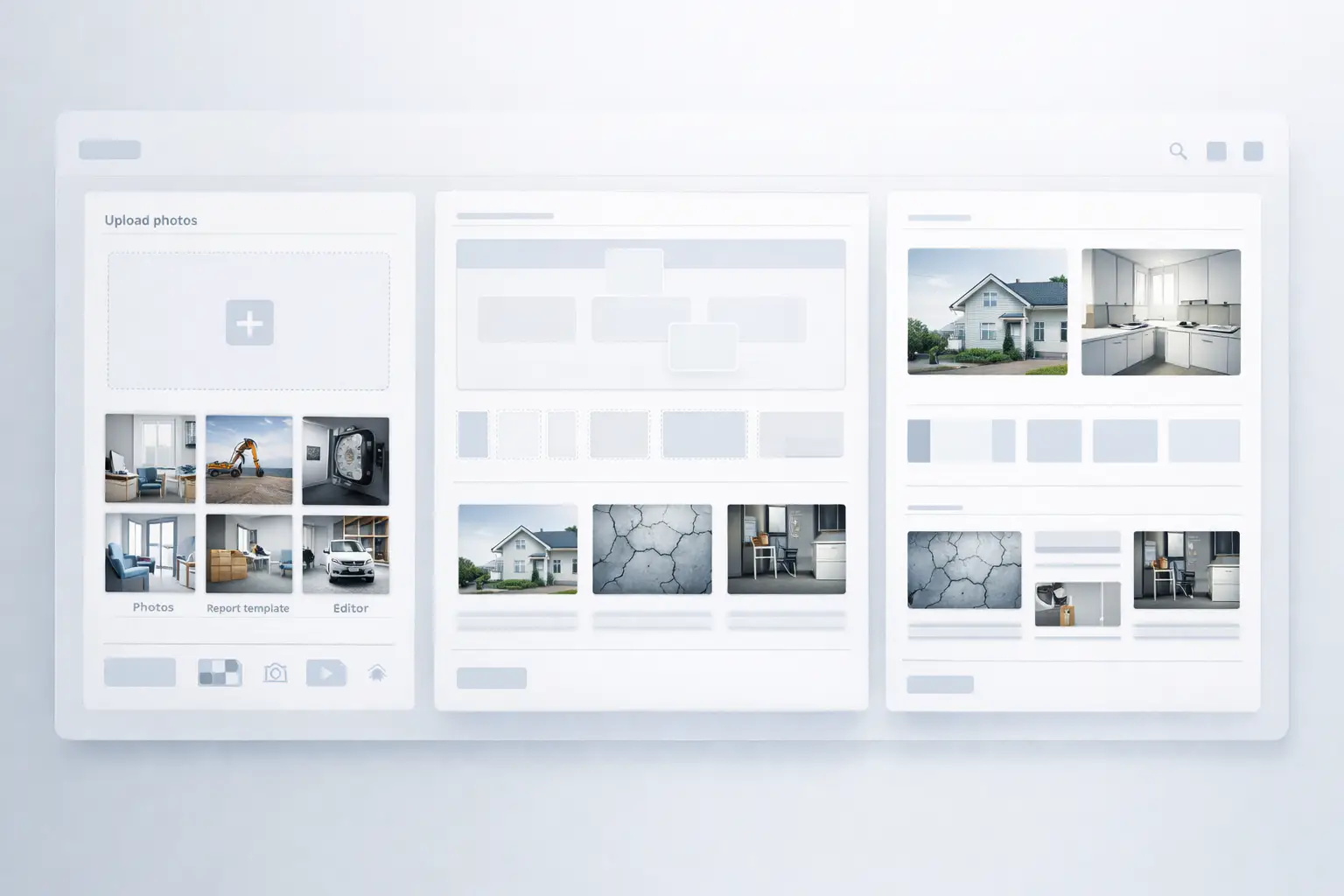
Photo Reporting Software Features
Photo-reports.online provides a set of tools for creating photo reports, photo sheets, and structured photo documentation. All features are designed to simplify work with images, standardize documentation workflows, and reduce report preparation time. This page brings together the platform’s core capabilities. Each feature includes a detailed description, step-by-step guidance, and practical examples.

Uploading and adding photos
Rabota with photo report nachinaetsya with dobavleniya images. Service lets you upload photos with ustroystva and formirovat consistent data set for posleduyuschey obrabotki. Funktsionalnost vklyuchaet:
- adding photos in report
- paketnuyu zagruzku images
- rabotu with bolshimi obemami files
- preparation photos to dalneyshey strukturizatsii
Use these features in your workflow
If you’re not registered yet — open the tool and try these features while creating your first inspection report or photo documentation. If you already have an account — start building your reports in the dashboard.
Photo Report Layout Settings
Posle upload photos on the page report stanovitsya available blok settings raspolozheniya images and podpisey. Vizualnaya structure layout sootvetstvuet tomu, how budet vyglyadet finished document in formate DOCX, chto lets you otsenit result do ego formirovaniya. Nastroyki allow adaptirovat strukturu photo sheet pod konkretnye zadachi — from standartnogo tablichnogo predstavleniya do spetsializirovannykh formatov with vydelennymi oblastyami for photos and comments. → Podrobnee: configuration layout photo report
Photo sorting and organization
Posle upload photos neobkhodimo uporyadochit. Service predostavlyaet instrumenty for logicheskoy organizatsii images inside report. Available deystviya:
- izmenenie poryadka photos
- gruppirovka images
- preparation posledovatelnosti otobrazheniya
- generation structure report
Image editing
Vstroennye instrumenty redaktirovaniya allow prepare photos without use storonnikh programm. Features redaktirovaniya vklyuchayut:
- povorot images
- korrektirovku orientatsii
- bazovuyu preparation photos before vklyucheniem in report
Photo captions and comments
Dlya polnotsennogo photo report important ne only image, no and ego description. Service lets you add poyasneniya to kazhdoy photos. Capabilities:
- tekstovye captions
- poyasneniya to images
- description stages work or sostoyaniya asset
Bulk actions for photos
Pri rabote with bolshim kolichestvom images service lets you vypolnyat bulk actions at once for neskolkikh photos. Main capabilities:
- udalenie vybrannykh photos
- massovoe adding opisaniy
- povorot images (by and protiv chasovoy strelki)
- work with gruppoy photos cherez chekboksy
Generate a photo report as a document
Posle preparing photos service lets you generate finished document. Main capabilities:
- creation photo report in formate DOCX
- automatic oformlenie structure
- vklyuchenie photos and podpisey in consistent document
Team collaboration
Service podderzhivaet collaborative rabotu nad photo reports within team. Polzovateli can poluchat dostup to proektam, redaktirovat reports and tsentralizovanno khranit data. This lets you:
- work nad reports neskolkim spetsialistam
- izbegat dublirovaniya data
- uskoryat preparation and soglasovanie documents
Mobile app integration
Veb-service integrirovan with mobilnym app INSPECTOR for provedeniya photo capture on meste. Prilozhenie lets you:
- delat photos with GPS and vremenem
- work without interneta
- automatically peredavat data in veb-versiyu
When are used features service
Features platform primenyayutsya in zadachakh, svyazannykh with fiksatsiey and documentation:
- provedenie inspections and inspections
- kontrol completion work
- preparation reports for clients
- fiksatsiya sostoyaniya assets
- documentirovanie protsessov
How the features work together
Dlya bolee detalnogo izucheniya vozmozhnostey service use the following sections:
- Rukovodstva by sozdaniyu photo reports
- Instruktsii by rabote with photos
- Examples of use in razlichnykh sferakh
Main features (overview)
Vse features service svyazany odnoy tselyu - umenshit vremya rutinnykh operatsiy when sostavlenii photo reports. Etot spisok funktsiy, pomozhet bystree razobratsya in service:
How to use the features
Prakticheskie guides for creating polnotsennogo photo report: